Beyond the Box: Automated Captcha Bypass

Discover how automated CAPTCHA bypass revolutionizes integration workflows, eliminating manual verification bottlenecks to accelerate process automation and enhance operational efficiency.
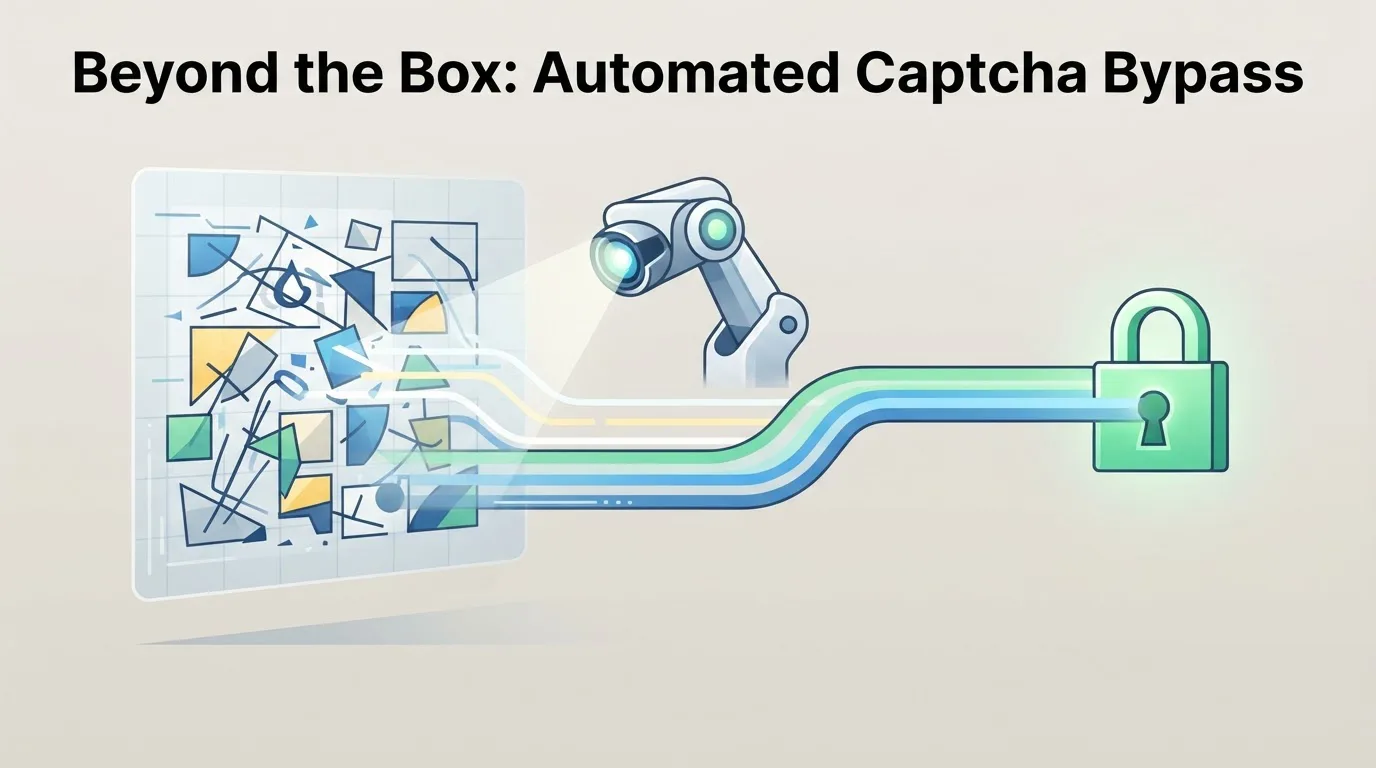
Beyond the Box: Automated Captcha Bypass
Every automated workflow eventually hits a wall. You script a sequence of API calls, configure a headless browser, or orchestrate a multi-step data pipeline - and then the process stops. A CAPTCHA appears, waiting for human input. The task that should run in seconds now requires a person to stare at a grid of traffic lights or decipher distorted letters. For developers, SEO specialists, and business owners, this is not a minor inconvenience; it is a bottleneck that undermines the entire value proposition of automation.
The fix is not to abandon CAPTCHAs as a security measure. It is to integrate a reliable bypass mechanism directly into your workflow. This article explains how automated CAPTCHA solving works, why it matters for process automation, and how you can implement it without breaking your budget or your codebase.
The Verification Bottleneck: Why Manual CAPTCHA Solving Fails
Consider a typical integration scenario: your application needs to log into a third-party service to fetch data. The service protects its login form with reCAPTCHA or hCaptcha. Your automation stack - whether it is Selenium, Puppeteer, or a custom API client - cannot complete the login. You have two options: pause the workflow and ask a human to solve the challenge, or route the CAPTCHA to a crowd-sourced solving service.
The first option destroys efficiency. A human might take 10 to 30 seconds to solve a challenge, but the real cost is the interruption. Your pipeline stalls, timeouts occur, and you lose the benefit of parallel execution. The second option - using a solving service - is faster, but only if the integration is seamless.
Here is what happens when you rely on manual intervention:
- Latency spikes: Every CAPTCHA adds 5-20 seconds of dead time.
- Error rates rise: Humans misclick, mistype, or simply give up.
- Scaling is impossible: You cannot hire a team to sit and solve CAPTCHAs for every session your application opens.
- Compliance risks: Storing credentials or session tokens while waiting for human input increases the attack surface.
The root cause is the same in every case: the verification step is not designed for machines. But your workflow is. The solution is to make the verification step machine-readable - not by breaking the CAPTCHA, but by delegating it to an automated solver that communicates with your code.
How Automated Captcha Bypass Works
Automated CAPTCHA bypass is not about exploiting vulnerabilities in the challenge itself. It is about outsourcing the human verification step to a service that can solve challenges in real time. The process follows a simple pattern:
- Your application detects a CAPTCHA on the page or in the API response.
- It extracts the challenge parameters (site key, token, or image data).
- It sends those parameters to a solving service via an API request.
- The service returns the solution token or answer.
- Your application injects the token back into the form or request and continues.
This is a request-response cycle that takes 1 to 5 seconds in most cases. For the end user, the automation appears to "just work" - no waiting, no manual input.
Example: Solving a reCAPTCHA v2 Challenge
Here is a minimal pseudocode example of how the integration looks in practice:
POST /api/solve
{
  "type": "recaptcha_v2",
  "site_key": "6Lc...",
  "page_url": "https://target-site.com/login"
}

Response:
{
  "token": "03AGdBq...",
  "duration_ms": 1200
}
Your script then injects the token into the hidden g-recaptcha-response field and submits the form. The entire login flow completes without human intervention.
The Impact on Integration Workflows
The benefits of automated CAPTCHA bypass go beyond saving a few seconds per request. They change the architecture of your automation.
Eliminating the "Human-in-the-Loop" Pattern
Many integration workflows are designed with a "human-in-the-loop" fallback: if a CAPTCHA appears, the system sends a notification to an operator. This pattern is fragile. It assumes someone is available 24/7, that they can access the same browser session, and that they will act quickly. In practice, this leads to failed jobs, retries, and corrupted state.
With an automated solver, you remove the fallback entirely. The workflow becomes deterministic: every step executes without external dependency. This is critical for batch processing, scheduled scraping, and API integrations that run outside business hours.
Parallel Execution Without Throttling
Manual solving forces you to serialize tasks. If you have 100 login attempts to make, you cannot submit them all at once - a human can only solve one CAPTCHA at a time. Automated solvers handle concurrent requests. You can send 50 challenges simultaneously and receive 50 tokens within a few seconds. This transforms throughput.
Here is a concrete example: a price-monitoring bot for e-commerce sites. The bot needs to check 200 product pages per hour, each protected by a CAPTCHA. With manual solving, the bot would need at least 200 human interventions per hour. With an automated service, the bot sends all 200 challenges in parallel, receives solutions in under 5 seconds, and completes the entire run in under a minute.
Cost Efficiency
Crowd-sourced solving services charge per 1,000 challenges. While the cost varies, it is almost always lower than the hourly wage of a human operator. For a business that runs 10,000 automated logins per month, the cost is negligible compared to the time saved. Moreover, you can set a maximum budget per request and retry logic to handle failed solves without breaking your workflow.
A Note on Accuracy
Not all solvers are equal. Some return invalid tokens or time out. When choosing a service, look for:
- A high solve rate (above 95% for standard challenges).
- Low average response time (under 3 seconds).
- Support for multiple CAPTCHA types (reCAPTCHA v2/v3, hCaptcha, Turnstile, image-based).
- A simple REST API with clear documentation.
At NonCaptcha, we built the service specifically for developers who need speed and reliability. Our API supports concurrent requests, and we provide client libraries for Python, Node.js, and PHP to minimize integration friction.
Practical Implementation: A Step-by-Step Guide
Let us walk through a real-world use case: automating a captcha login flow for a SaaS dashboard. This is a common scenario for SEO tools that aggregate data from multiple platforms.
Step 1: Detect the CAPTCHA
Your automation script (e.g., Puppeteer) navigates to the login page. It checks for the presence of the CAPTCHA widget:
const captchaFrame = await page.$('iframe[src*="recaptcha"]');
if (captchaFrame) {
  // Extract the site key from the page source
  const siteKey = await page.evaluate(() => {
    return document.querySelector('.g-recaptcha').getAttribute('data-sitekey');
  });
  // Proceed to solve
}
Step 2: Send the Challenge to the Solver
Use the NonCaptcha API to get a solution token:
import requests

response = requests.post(
    "https://noncaptcha.com/api/bypass",
    json={
        "type": "recaptcha_v2",
        "site_key": site_key,
        "url": page_url,
    }
)
solution = response.json()["token"]
Step 3: Inject the Token and Submit
Back in Puppeteer, set the hidden field and submit the form:
await page.evaluate((token) => {
  document.getElementById('g-recaptcha-response').innerHTML = token;
}, solution);

await page.click('button[type="submit"]');
Step 4: Validate and Handle Failures
Always check whether the login actually succeeded. If the page still shows a CAPTCHA or an error message, retry with a fresh token. Use exponential backoff to avoid hammering the solver.
This pattern works not only for login forms but also for registration flows, comment posting, search queries, and any other interaction protected by a challenge.
Common Pitfalls and How to Avoid Them
Even with a robust solver, you can run into issues. Here are the most frequent mistakes and their fixes.
Using the Wrong Site Key
The site key is unique to each page and domain. If you copy it from a different environment (e.g., staging instead of production), the token will be rejected. Always extract the key dynamically from the page source.
Ignoring Token Expiry
CAPTCHA tokens are valid for a short period - typically 120 seconds. If your workflow involves multiple steps between solving and submitting, the token may expire. Solve the CAPTCHA as close as possible to the submission step.
Not Handling reCAPTCHA v3
reCAPTCHA v3 does not require user interaction; it assigns a score based on behavior. In this case, you do not need a solver. Instead, ensure your automation mimics human-like behavior (e.g., realistic mouse movements, delays) to get a high score. If you still get blocked, you can use a solver that supports v3 token generation.
Overlooking Rate Limits
Some services limit the number of concurrent requests per IP. If you run a high-volume operation, use a dedicated API key and consider rotating IPs. Check the service documentation for recommended limits.
The Business Case for Automated Bypass
You do not have to be a large enterprise to benefit. A solo SEO consultant who automates rank tracking across 50 keywords saves hours each week. A startup that scrapes competitor pricing saves days of manual work per month. The ROI is immediate: lower operational costs, faster data delivery, and fewer failed jobs.
Let us put a number on it. Suppose your team spends 2 hours per day on manual CAPTCHA solving. At an average hourly cost of $30 (including overhead), that is $60 per day, or $1,800 per month. An automated solver with a monthly budget of $50 (for typical volume) reduces that cost to near zero. The payback period is less than a week.
Conclusion
CAPTCHAs will not disappear. They are too effective at blocking bots. But you do not have to let them block your legitimate automation. By integrating an automated solving service into your workflow, you turn a manual bottleneck into a transparent API call.
Start small: pick one repetitive task that involves a captcha login, integrate the solver, and measure the time saved. Once you see the difference, you will wonder why you waited this long.
If you are ready to remove the human from the loop, explore the NonCaptcha API documentation and run your first test in under ten minutes. Your future self - and your automated pipelines - will thank you.
Related articles
Breaking the Box: Captcha Automation Redefined
Captcha to Code: Seamless Automation
