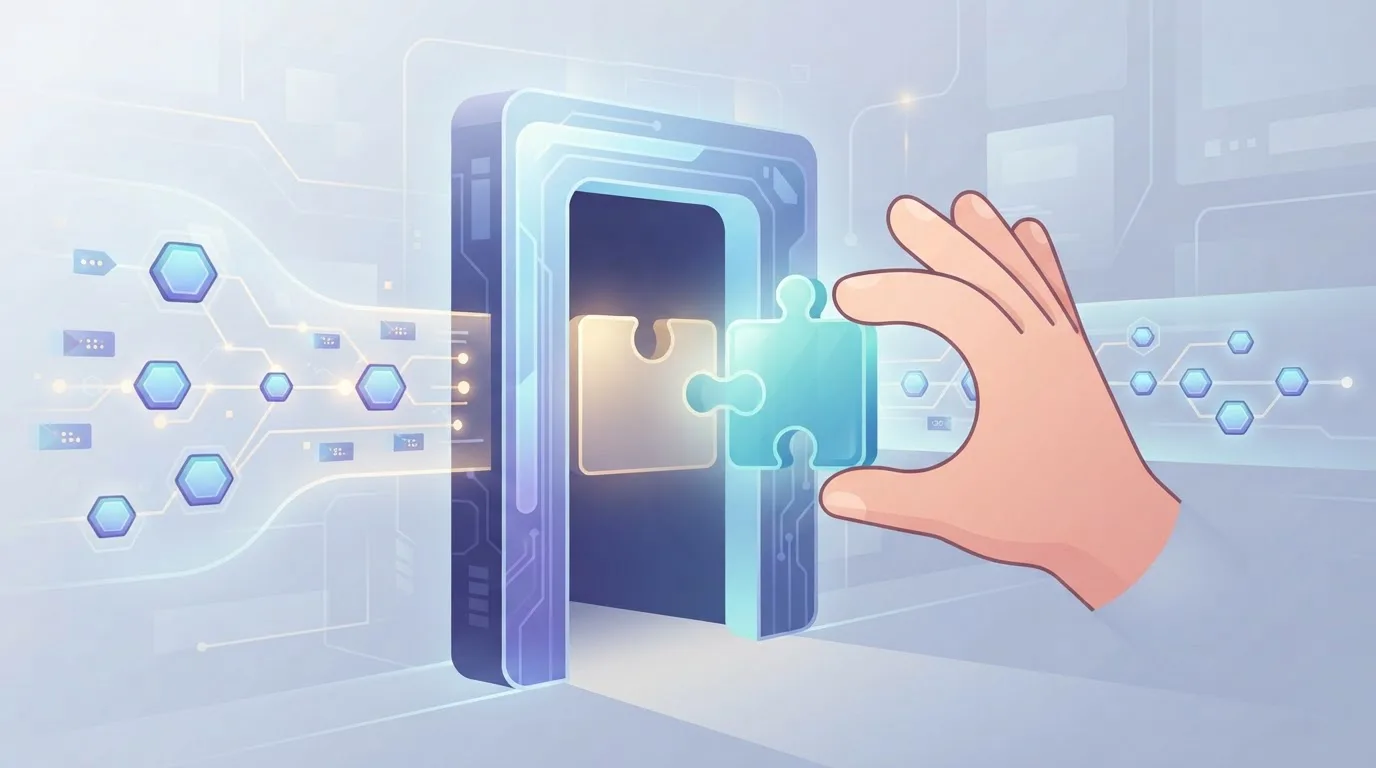
Captcha Chaos: The Invisible Shield

Captcha systems have evolved into an invisible shield, quietly protecting websites from bots while enhancing user experience. Discover how this silent guardian balances security and seamless access.

Captcha Chaos: The Invisible Shield
Every day, millions of automated scripts attempt to scrape your pricing pages, spam your sign-up forms, and brute-force your login endpoints. You block one vector, and three more appear. The result is a constant arms race that drains engineering hours and degrades the experience for real users. Yet, there is a layer of defense that operates so smoothly you rarely notice it. It does not ask you to identify blurry storefronts. It does not force you to solve a puzzle. It simply watches, evaluates, and lets you pass. This is the invisible shield of modern captcha systems, and understanding how it works can save your team months of treadmill maintenance.
The Illusion of the Obvious Challenge
The classic approach-distorted text, click-the-bicycle, drag-the-slider-was never about intelligence. It was about friction. The assumption was simple: if a human can solve it in five seconds, a bot will take five minutes. That assumption collapsed when machine learning models achieved near-perfect accuracy on image classification and OCR. Today, a well-trained bot solves most visual puzzles faster than a tired human on a phone.
So the industry pivoted. Instead of proving you are human, modern systems now prove you are not a bot by analyzing how you behave. The challenge disappears, but the verification is stricter. This shift from explicit to implicit is what we call invisible captcha. It runs in the background, scoring every interaction-mouse movement, keystroke rhythm, touch pressure, even the way you scroll.
Why User Experience Became the Battleground
Here is a number that should concern you: 73% of users abandon a form that takes more than three steps to complete. Add a visible puzzle, and you are not just filtering bots-you are filtering customers. For e-commerce, that is a direct hit to conversion. For SaaS, it is churn before the trial even starts.
The invisible shield solves this by removing the obstacle entirely. The user sees a clean form, types their email, clicks submit, and moves on. Behind the scenes, the system has already evaluated dozens of signals. If the score is high, the request passes. If it is suspicious, the system escalates to a secondary check. The key is that the escalation is rare-under 5% of legitimate traffic in most configurations-so the average experience remains frictionless.
The Mechanics of a Silent Guardian
Let us break down what happens in the 200 milliseconds between a user clicking "Submit" and the server accepting the request.
Behavioral Biometrics
The system tracks micro-movements: the acceleration curve of the cursor, the hesitation before a click, the natural jitter of a human hand. Bots, even sophisticated ones, have a tell. They move in straight lines or with machine-precision timing. The difference is statistically measurable.
Browser Fingerprinting
This is not about cookies. The system collects attributes like canvas rendering, WebGL output, installed fonts, and timezone. A headless browser or a virtual machine produces a fingerprint that is either too clean or too uniform. Legitimate users have messy, unique fingerprints.
Session Context
How did the user arrive? Did they come from a search engine, a direct link, or a referral? Did they interact with the page before submitting? A bot that loads the page and immediately posts a request has no session history, which is a red flag.
Risk Scoring
All these signals are combined into a single score. Above a threshold, you are human. Below it, you are a bot. In between, the system may ask for a simple confirmation-like checking a checkbox-or a delayed token validation.
Here is what a minimal integration looks like when you offload this logic to a specialized service:
// Example: Frontend token acquisition
const token = await NonCaptcha.getToken({
  siteKey: 'your_site_key',
  action: 'submit_order'
});

// Attach token to your request
fetch('/api/order', {
  method: 'POST',
  headers: { 'X-Captcha-Token': token },
  body: JSON.stringify(orderData)
});
On the backend, you verify the token once:
# Example: Backend verification
import requests

response = requests.post(
    'https://api.noncaptcha.com/verify',
    json={'token': token, 'secret': 'your_secret_key'}
)
if response.json()['success']:
    # Process the order
The implementation is a few lines of code. The protection, however, is continuous because the scoring model updates as new attack patterns emerge.
The Economics of Bot Mitigation
Think about what you actually lose to bots. It is not just server costs. It is skewed analytics that lead to bad marketing decisions. It is fake accounts that inflate your user database and poison your email deliverability. It is inventory hoarding on limited drops. One retail client we analyzed found that 31% of their "new user" sign-ups were automated. They had built features for users who did not exist, and their support team was fielding complaints from real customers whose usernames were already taken-by bots.
The invisible shield changes the cost structure. Instead of paying engineers to maintain a custom challenge library, you pay a small per-verification fee. Instead of losing 10% of legitimate conversions to puzzle fatigue, you lose less than 1%. The return on investment is immediate, but the real benefit is the opportunity cost: your team stops fighting the noise and starts building features.
Practical Implementation: Where to Start
If you are convinced, here is a phased approach to deploying invisible protection without disrupting your current flow.
- Audit your endpoints. List every form, API route, and login page that accepts user input. Prioritize by risk: public-facing forms first, internal tools last.
- Run in monitor mode. Most services, including ours, allow you to collect scores without blocking. Run this for a week. You will see the bot traffic clearly-it often spikes at odd hours and follows predictable patterns.
- Set thresholds. Start strict. Block only the lowest 2% of scores. As you gain confidence, tighten the threshold.
- Add a fallback. For the rare case where a legitimate user gets flagged, provide a secondary challenge. This is not the same as the old puzzle-it is an exception, not the rule.
- Monitor the fallout. Track conversion rate, form completion rate, and false positive tickets. Adjust accordingly.
The transition is not a project. It is a configuration change.
The Role of the captcha in Your Stack
At this point, you might wonder if you even need a dedicated service. Could you build the scoring logic yourself? You could, but you would be building a data science team, a threat intelligence feed, and a low-latency infrastructure. The captcha has become a specialized utility, like DNS or CDN-you do not write your own resolver, you use a managed one.
The invisible shield is not magic. It is the result of millions of labeled interactions, trained models, and real-time feedback loops. When you integrate a managed solution, you inherit that learning. The captcha gets smarter every time a bot is blocked, and you benefit from that collective defense without writing a single classifier.
Conclusion: Trade the Chaos for Silence
The problem with visible captchas is not that they fail-it is that they fail loudly. They interrupt the user, they annoy the customer, and they still let through the bots that are smart enough to solve them. The invisible shield does the opposite. It fails silently, and only for the attackers.
You do not need to choose between security and usability. The technology has evolved to give you both. Start with a low-risk endpoint, run it in monitor mode, and see the data for yourself. The chaos of the bot war does not have to be your daily reality. The shield is already here, and it is waiting for you to lift it.
Try it on your next form. Your users will never notice the difference-and that is exactly the point.
Related articles

The Unseen Gate: Captcha's New Era

Captcha's Next Move: The Frictionless Wall