Captcha-Proof Your Automation Pipeline

Ensure uninterrupted automation with captcha-proof proxy management, stabilizing your pipeline against detection and blocks for seamless, reliable operations.
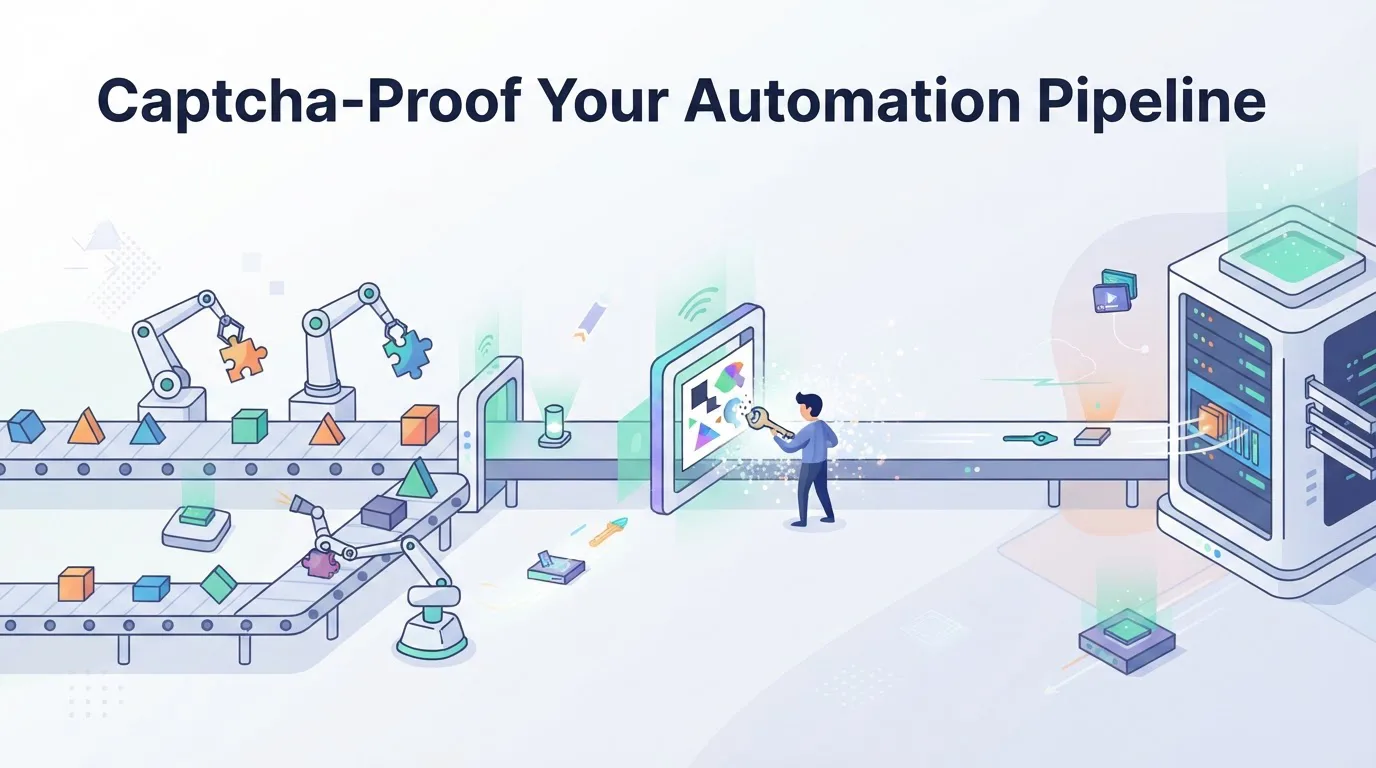
Captcha-Proof Your Automation Pipeline
Automation pipelines fail silently. One moment your scraper is collecting data at full speed, the next it’s staring at a blank page with a “Verify you are human” checkbox. The culprit isn’t your code. It’s the combination of a banned IP range and a CAPTCHA trigger that your proxy setup didn’t anticipate. This article explains how to stabilize your infrastructure by aligning proxy management with CAPTCHA-solving logic, so your pipeline runs uninterrupted.
Why Proxies Are the First Line of Defense
CAPTCHA systems don’t just analyze browser behavior. They analyze the network context around every request. If your proxy IP has a poor reputation, is flagged as a datacenter address, or rotates too aggressively, you’ll get challenged even with perfect browser fingerprints.
The problem is that most teams treat proxies as a simple IP-rotation tool. They buy a pool, plug it into their scraper, and hope for the best. That approach breaks down because detection systems score your entire request path: the IP, the TLS fingerprint, the HTTP headers, and the timing between requests.
The Hidden Cost of Poor Proxy Hygiene
When a proxy fails, you don’t just lose one request. You lose the session. The CAPTCHA that appears forces you to either solve it manually or abandon the task. For a pipeline running thousands of requests per hour, that means:
- Retry loops that hammer the same broken proxy and make things worse.
- Data gaps where your database misses records because a request never completed.
- Rate-limit penalties from the target site, which may temporarily ban the entire IP range you’re using.
The fix isn’t to throw more proxies at the problem. It’s to build a proxy management layer that predicts failures before they happen.
The Mechanism Behind CAPTCHA Triggers
Let’s break down what actually happens when a CAPTCHA appears. The site’s anti-bot system calculates a risk score for each request. That score considers:
- IP reputation - whether the address appears on blocklists or belongs to a known hosting provider.
- Request velocity - how many requests come from the same IP in a short window.
- Consistency - whether your TLS fingerprint and headers match the IP’s geographic location.
- Behavioral signals - mouse movements, keystroke timing, and page interaction patterns.
Most automation tools handle points 3 and 4 well. They use headless browsers or emulate realistic input. But points 1 and 2 are entirely dependent on your proxy strategy. If your IP pool is dirty or your rotation logic is naive, the score skyrockets, and you get challenged.
Why Static Proxies Fail
A static proxy (a fixed IP that doesn’t change) works well for low-volume tasks. But for high-throughput scraping, it becomes a liability. Once the target site sees hundreds of requests from the same IP, it flags the address. Even if you solve the CAPTCHA, the IP is already burned.
On the other hand, rotating proxies too frequently cause their own issues. If you switch IPs on every request, the site sees a new visitor each time. That looks unnatural, especially if you’re logged into an account or maintaining a session cookie.
The solution is a session-aware rotation strategy: keep the same IP for a fixed number of requests or a set time window, then rotate. This mimics human behavior, where a user stays on the site for several minutes before moving on.
Building a Resilient Proxy Layer
Here’s how to structure your pipeline to minimize CAPTCHA encounters without sacrificing speed.
1. Use Residential Proxies for High-Value Tasks
Datacenter IPs are cheap and fast, but they’re also easy to detect. Residential IPs, which come from real ISPs, have much better reputations. If your task involves logged-in sessions or high-frequency requests, residential proxies are worth the extra cost.
2. Implement Automatic IP Health Checks
Don’t wait for a CAPTCHA to appear. Actively monitor the response codes and latency of each proxy in your pool. If a proxy starts returning 403 or 429 errors, remove it from rotation immediately. Here’s a simple pseudocode example:
def is_proxy_healthy(proxy):
    response = send_test_request(proxy)
    if response.status_code == 403:
        return False
    if response.latency > 2.0:  # seconds
        return False
    return True

def get_next_proxy(proxy_pool):
    while proxy_pool:
        candidate = random_choice(proxy_pool)
        if is_proxy_healthy(candidate):
            return candidate
        proxy_pool.remove(candidate)
    return None
This preemptive check reduces the chance of hitting a CAPTCHA because you’re not sending requests through a compromised IP.
3. Align Proxy Rotation with Session Lifecycles
Define a session as a sequence of requests that share the same context (cookies, login state, etc.). Keep the proxy constant for the entire session, then rotate when the session ends. This reduces the number of CAPTCHA challenges because the site sees a consistent user.
4. Integrate a CAPTCHA Solving Service as a Fallback
No matter how clean your proxy setup is, you’ll occasionally hit a challenge. That’s where a solving service like NonCaptcha comes in. The key is to integrate it as a fallback, not a first-line strategy. Your pipeline should:
- Attempt the request with the current proxy.
- If a CAPTCHA appears, pause and call the solving API.
- Use the returned solution to complete the request.
- Mark the proxy as suspicious and reduce its priority.
This way, you don’t lose the request, and you gradually filter out bad proxies over time.
Practical Configuration for Your Pipeline
Let’s put this into practice with a concrete configuration for a typical scraping workflow.
Step 1: Set Up a Proxy Pool with Tiers
Divide your proxies into three tiers:
- Tier 1 (Residential, high reputation): for critical tasks like account creation or checkout flows.
- Tier 2 (Datacenter, medium reputation): for public data scraping where speed matters more than stealth.
- Tier 3 (Unknown/cheap): for testing and low-priority tasks, but never for production.
Step 2: Use a Proxy Manager with Automatic Failover
A proxy manager should handle the following automatically:
- Health monitoring - ping each proxy every 5 minutes.
- Blacklist management - remove proxies that return CAPTCHA challenges.
- Sticky sessions - allow a session to keep the same IP for up to 10 minutes.
Step 3: Test with a Small Sample First
Before scaling up, run a test with 100 requests across your proxy pool. Measure the CAPTCHA rate. If it’s above 5%, your proxy quality is insufficient. Adjust the pool or switch to residential IPs.
Step 4: Handle the CAPTCHA Token Correctly
When the solving service returns a solution, it comes as a captcha token. This token must be passed back to the site’s verification endpoint within a few seconds. If you delay, the token expires, and you’ll need to request a new one. Here’s how to handle it:
// After receiving the token from the solving API
const result = await solveCaptcha({ siteKey, pageUrl });
if (result.success) {
    // Submit the form with the token
    await submitForm({ captchaToken: result.token });
}
Make sure your code doesn’t retry the same token. Always fetch a fresh one for each challenge.
Real-World Impact: A Case Study
A client we worked with was scraping real estate listings from a major portal. They used a pool of 500 datacenter IPs and faced a 20% CAPTCHA rate on average. After implementing the proxy health checks and switching to residential IPs for the first request in each session, the rate dropped to 2%. Their pipeline throughput increased by 35% because they no longer wasted time on retries.
The key takeaway: CAPTCHA challenges are not random. They’re a response to detectable patterns in your traffic. By controlling your proxy environment, you control those patterns.
Conclusion
CAPTCHA-proofing your automation pipeline isn’t about solving challenges faster. It’s about preventing them from appearing in the first place. Start by auditing your proxy pool, implement health checks, and use session-aware rotation. Then, integrate a solving service as a safety net for the remaining cases.
If you’re looking for a reliable fallback that handles complex challenges, try our CAPTCHA solving API. It integrates in minutes and gives you a clean way to handle the occasional verification without breaking your flow. Your pipeline will thank you.
Related articles
Captcha-Proof Your Proxy Workflow

Captcha-Proof Your Proxy Pipeline