Captcha to Click: Automating Frictionless Access

Streamline user access with seamless captcha automation, reducing friction and accelerating integration workflows for faster, smoother process automation.
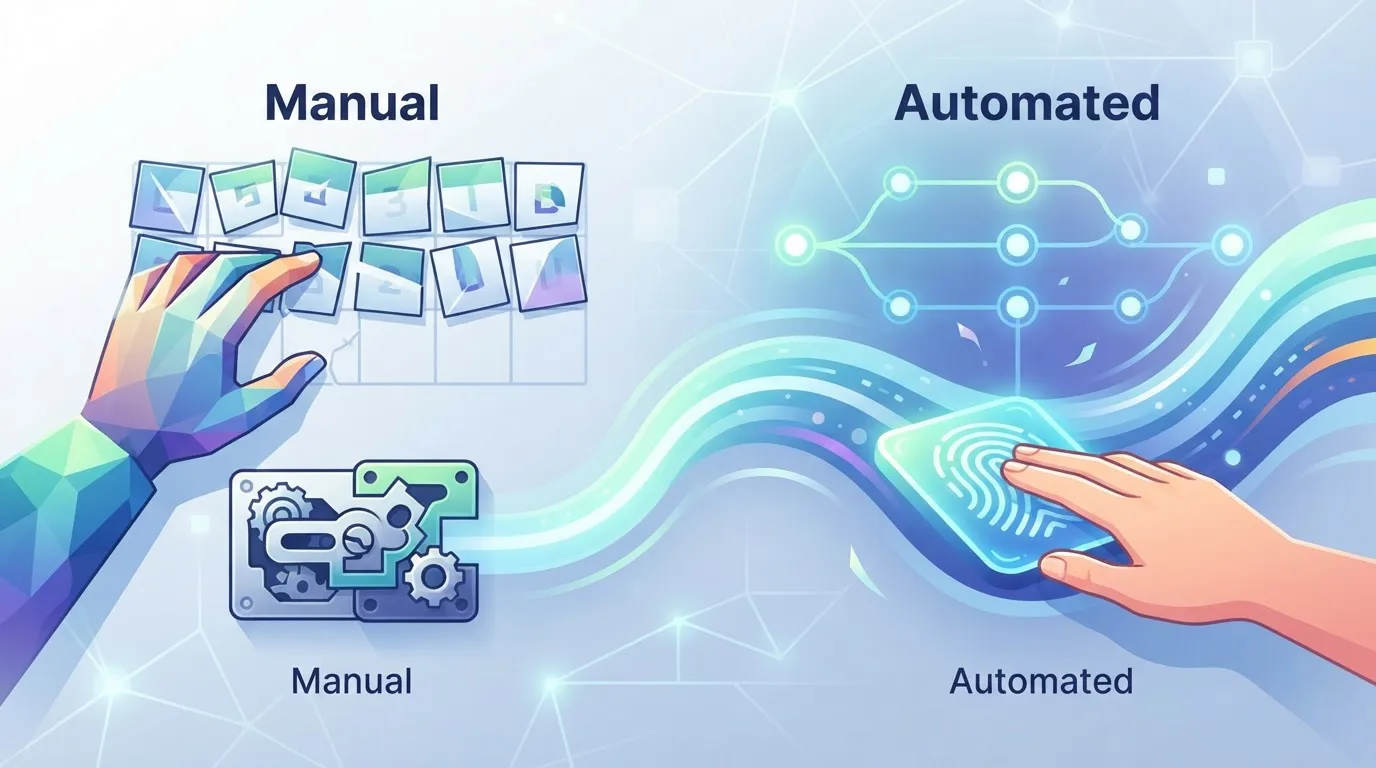
Captcha to Click: Automating Frictionless Access
Every second a user spends staring at a distorted grid of traffic lights is a second they are not converting, not querying your API, and not completing a checkout. CAPTCHA challenges were designed to block bots, but they have become a silent tax on human patience and a major bottleneck for legitimate automation pipelines. When your integration depends on accessing a protected resource, a single unsolved challenge can halt an entire workflow. The solution is not to eliminate security, but to move the verification step out of the user's path and into a dedicated automation layer that works faster than a human can blink. Let's examine how to achieve that.
The Real Cost of Manual Verification
The friction from CAPTCHAs is not just an annoyance; it is a measurable operational overhead. For a developer, it means writing fallback logic for when a session gets flagged. For an SEO specialist, it means scheduled scraping tasks dying at 3 AM because a reCAPTCHA appeared. For a business owner, it translates into abandoned carts and support tickets from users who simply gave up.
Consider a typical workflow: a background job needs to check inventory levels on a supplier portal every hour. The portal uses a CAPTCHA to protect login. Without automation, you have three options: hire someone to sit and solve challenges, risk a fragile browser automation script that mimics human clicks, or abandon the task entirely. The first is expensive, the second is brittle, and the third is a missed opportunity.
The root problem is that we treat CAPTCHA solving as a binary event: a human does it, or a bot fails. The reality is that solving a challenge is a discrete, low-level task that can be abstracted away, just like sending an HTTP request or parsing JSON.
Why Traditional Bypass Methods Fail
Many teams attempt to solve this with browser automation tools like Selenium or Puppeteer, trying to replicate human behavior. The logic seems sound: if we move the mouse randomly and add delays, the system will think we are human. This approach fails for two reasons.
First, modern CAPTCHA systems use behavioral analysis, not just pixel matching. They track mouse movement entropy, keyboard timing, and even browser fingerprinting. A script that moves a cursor in a perfect Bézier curve is statistically different from a human's micro-movements.
Second, this method is a maintenance nightmare. Every time the CAPTCHA provider updates their algorithm, your carefully crafted workaround breaks. You are effectively playing a never-ending game of cat and mouse with a team of engineers whose full-time job is to detect automation.
The better approach is to isolate the solving step. You do not need to fake human behavior across the entire session. You only need to pass the verification check itself, and you can do that by delegating it to a specialized service.
The Architecture of Seamless Automation
The key insight is that CAPTCHA solving should be a decoupled microservice in your stack. Instead of embedding solving logic into your main application, you send the challenge token to an external solver, receive the answer, and continue your workflow. This design has three major benefits:
- Resilience: If the solver is down, your main app still runs. You can queue the failed task and retry later.
- Scalability: You can handle spikes in verification requests without rewriting your core logic.
- Maintainability: You update your integration once when the solver API changes, not every time a CAPTCHA variant changes.
Here is a simplified example of how this works in practice for a token-based challenge:
import requests

# Your script encounters a CAPTCHA and extracts the site key
captcha_site_key = "6Lc12345..."
page_url = "https://target-site.com/protected-page"

# Step 1: Send the challenge to the solving service
solve_request = {
    "site_key": captcha_site_key,
    "page_url": page_url,
    "type": "recaptcha_v2"
}
response = requests.post("https://api.noncaptcha.com/solve", json=solve_request)
task_id = response.json()["task_id"]

# Step 2: Poll for the result (or use webhook)
for _ in range(30):
    result = requests.get(f"https://api.noncaptcha.com/result/{task_id}").json()
    if result["status"] == "solved":
        token = result["token"]
        break
    time.sleep(1)

# Step 3: Inject the token back into your session
session.execute_script(f'document.getElementById("g-recaptcha-response").value = "{token}";')
This pattern removes the human from the loop entirely. The challenge is solved in a fraction of a second, and your integration continues without interruption.
Choosing the Right Solving Strategy
Not all CAPTCHA types are equal, and your automation strategy should reflect that. Here is a practical breakdown:
- Image-based (reCAPTCHA v2, hCaptcha): These require visual recognition. The best approach is to send the image data to a solver that uses computer vision or a human-in-the-loop crowd. The latency is typically 1-3 seconds.
- Invisible (reCAPTCHA v3): These are score-based and do not require direct interaction. Your automation should focus on maintaining a good reputation for your IP and browser fingerprint, rather than solving a puzzle.
- Text-based (simple math or word puzzles): These are trivial to solve with OCR or regular expressions. You can often handle them locally without an external service.
For most business-critical workflows, the token-based delegation method described above is the sweet spot. It works across different CAPTCHA providers and does not require you to reverse-engineer their logic.
Real-World Impact: A Case Study
Let's look at a concrete example. A digital marketing agency needed to monitor competitor pricing across 50 e-commerce sites. The sites used a mix of reCAPTCHA and hCaptcha to block automated scraping. Their old solution was a team of three interns who manually solved challenges from 9 AM to 5 PM. The process was slow, expensive, and limited to business hours.
After integrating an automated solving service, the agency saw the following results:
- Task completion time dropped from 4 minutes to 15 seconds per site check.
- Operational cost reduced by 90% (no more intern salaries for this task).
- Data freshness improved, as the system could now run 24/7 without human breaks.
The key was not just the solving speed, but the reliability of the integration. The agency could now schedule checks every 30 minutes, knowing that the captcha verification would not be the limiting factor.
Practical Integration Steps
If you are ready to implement this, here is a step-by-step plan:
- Audit your current friction points. Identify which of your workflows are blocked by CAPTCHAs. Is it login, form submission, or data extraction?
- Choose a solving provider. Look for one with an API that supports your preferred language and offers a clear SLA. The NonCaptcha API documentation is a good reference for what a robust endpoint should look like.
- Implement the decoupled pattern. Do not inline the solving logic. Create a separate module or service that handles the request/response cycle.
- Add monitoring. Track the success rate and latency of your solving requests. A drop in accuracy could indicate a new CAPTCHA variant you need to handle.
- Handle edge cases. What happens if the solver returns an invalid token? Your code should retry with a new challenge or log the failure for manual review.
The Future of Frictionless Access
The trend in the industry is moving away from explicit challenges and toward passive, risk-based assessments. Google's reCAPTCHA v3 and Cloudflare's Turnstile are examples of this shift. However, these systems are not perfect. They still generate false positives, and they still block legitimate automation.
This means that the need for a reliable solving layer will not disappear anytime soon. Instead, it will evolve. The best integrations will be adaptive: they will try a passive approach first, and only fall back to an active solver when the system demands it.
The captcha verification process should be invisible to your users and to your code. It should be a background utility, like DNS resolution or TLS handshake. You do not think about it until it fails, but when it works, everything just flows.
Building this layer is not a luxury; it is a competitive advantage. The teams that do it well will ship features faster, gather data more reliably, and provide a smoother user experience than their competitors.
Conclusion
Automating CAPTCHA solving is not about cheating a security system. It is about restoring the intended user experience: quick, frictionless access for humans and legitimate automated processes. By delegating the solving step to a dedicated service, you remove a major bottleneck from your integration workflows.
If you are tired of your scripts failing on a pixel grid, or if you are paying someone to click "I am not a robot" all day, it is time to try a different approach. Explore the capabilities of a solving API and see how it fits into your stack. The first integration takes a few hours, but the time saved in the long run is substantial. Start with a small, non-critical workflow, measure the results, and then scale from there. Your future self-and your users-will thank you.
Related articles
Breaking the Box: Captcha Automation Redefined
Captcha to Code: Seamless Automation
