CAPTCHA Unmasked: The Invisible Gatekeeper

Discover how CAPTCHAs protect websites from bots, the mechanics behind their recognition, and the ongoing battle between security systems and AI.
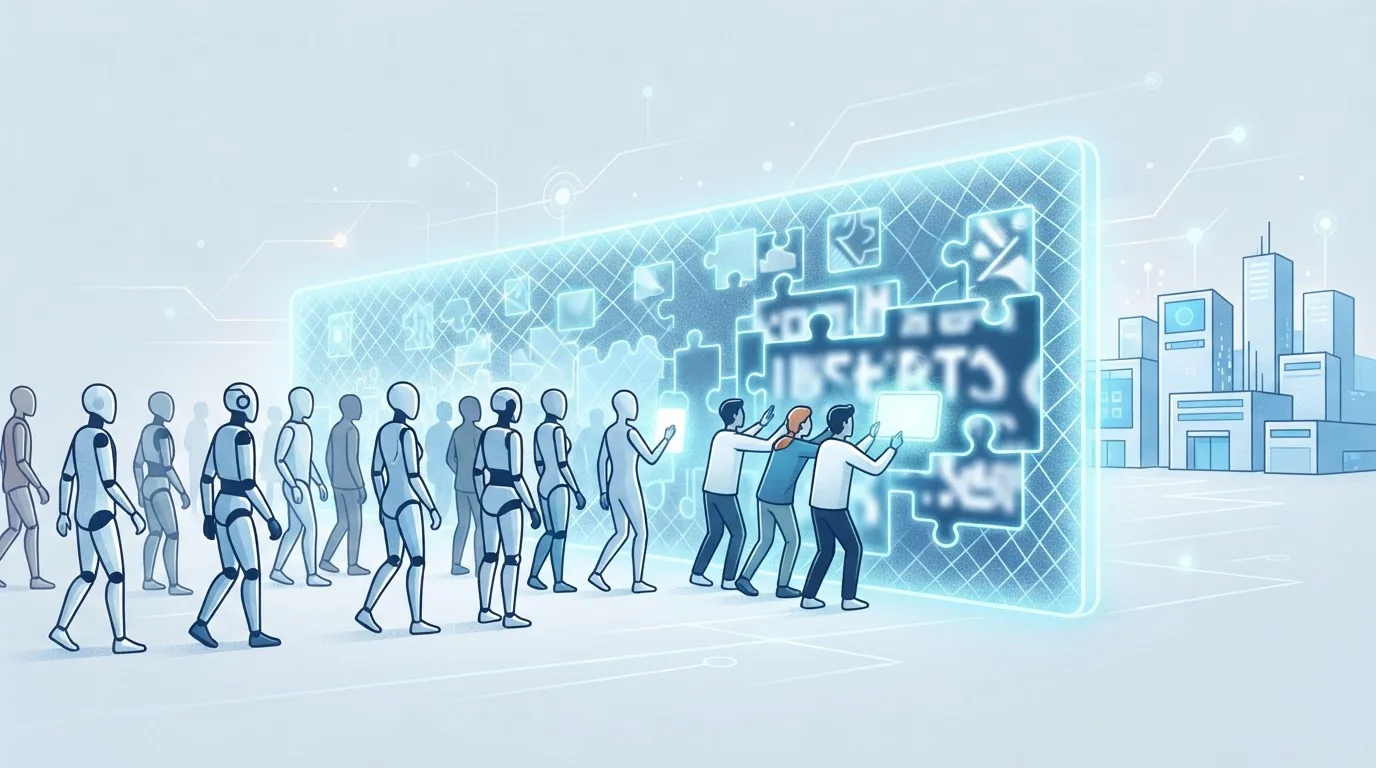
CAPTCHA Unmasked: The Invisible Gatekeeper
You’ve likely filled out a distorted text field, clicked a traffic light, or checked a box that wasn’t even there. CAPTCHAs are everywhere, yet they remain the most misunderstood layer of web security. They block bots, but they also annoy users, cost conversion, and-crucially-they are losing ground to AI. This article breaks down how CAPTCHAs actually work, why they still matter, and how you can automate around them without breaking the rules.
The Problem: Bots Are Not The Enemy-They Are The Economy
Bots account for nearly 40% of all internet traffic. Some are good-search engine crawlers, monitoring tools. Most are not. Credential stuffing, fake account creation, content scraping, and ad fraud run on automated scripts. CAPTCHAs exist to separate the human from the script, but the separation is no longer clean.
Modern AI can solve text-based CAPTCHAs with over 99% accuracy. Image recognition models identify traffic lights and crosswalks faster than you do. Even the invisible reCAPTCHA v3 is tricked by sophisticated browser automation. So why do CAPTCHAs still exist? Because they raise the cost of abuse. They don’t stop determined attackers-they make mass automation expensive enough to deter most.
The Mechanics: How CAPTCHA Recognition Actually Works
Text-Based CAPTCHAs: The Dying Breed
Classic distorted text relies on segmentation-breaking a continuous string into individual characters-and recognition of each glyph. Bots fail when segmentation is hard (overlapping letters, random lines). Humans fail too, about 10% of the time. That’s why you see “Try another” buttons.
The code behind a simple solver looks like this:
import pytesseract
from PIL import Image, ImageFilter

image = Image.open("captcha.png").convert("L")
image = image.filter(ImageFilter.MedianFilter())
text = pytesseract.image_to_string(image, config="--psm 7")
print(text)  # often wrong, needs preprocessing
The weakness is preprocessing. Add noise, arcs, or color gradients, and the OCR pipeline collapses. That’s why most modern CAPTCHAs are no longer text-only.
Image-Based CAPTCHAs: The Visual Turing Test
“Select all images with buses” sounds simple, but it’s a classification problem with infinite edge cases. A bus at night, a bus partially occluded, a bus that looks like a van. For humans, it’s trivial. For a neural network, it requires training on thousands of labeled examples.
The shift to image-based CAPTCHAs was a direct response to AI. But it created a new problem: user friction. Every image challenge costs you 5-15 seconds of attention. On a high-traffic login page, that’s a measurable drop in conversion.
Invisible CAPTCHAs: The Silent Judge
reCAPTCHA v3 doesn’t ask you anything. It scores your behavior-mouse movement, keystroke timing, browser history, IP reputation-and assigns a risk score. If your score is low, you get a challenge. If it’s high, you pass silently.
The catch: the scoring logic is proprietary, and false positives are common. A user with a clean browser but a VPN might suddenly see challenges. A developer testing from a headless browser will always fail. This is where automation becomes necessary-not for evil, but for legitimate testing and scraping.
The Arms Race: AI vs. CAPTCHA
Every CAPTCHA improvement is quickly countered. Here’s the cycle:
- Text distorted → OCR improved with deep learning.
- Image puzzles → CNN classifiers trained on public datasets.
- Behavioral analysis → Browser automation tools mimic human movement.
- Invisible scoring → Attackers use real browser sessions via services like noncaptcha.
The result is a stalemate. CAPTCHAs are not a security boundary-they are a speed bump. The question is whether that speed bump is worth the cost to your users.
Practical Guide: When and How to Automate CAPTCHA Handling
You don’t need to solve CAPTCHAs manually if you’re building a scraper, testing a login flow, or managing multiple accounts. Here’s a decision tree:
1. Evaluate Your Use Case
- Is your traffic legitimate? If yes, automation is fine.
- Are you testing your own product? Then you need to bypass the CAPTCHA to test the rest of the flow.
- Are you scraping public data? Check the site’s terms. Many allow it, but CAPTCHAs block you anyway.
2. Choose Your Approach
| Method | Accuracy | Speed | Cost |
|---|---|---|---|
| Manual solving (human) | 100% | Slow | High |
| OCR + preprocessing | 30-70% | Fast | Free |
| ML model (custom) | 85-95% | Fast | High dev time |
| Third-party solving API | 95-99% | Medium | Low per solve |
For most teams, the third-party API is the sweet spot. It handles all CAPTCHA types-text, image, reCAPTCHA v2/v3, hCaptcha-and you pay per successful solve. No infrastructure, no model training, no maintenance.
3. Integrate with a Simple API Call
Here’s how a typical integration looks using the noncaptcha API:
curl -X POST "https://noncaptcha.com/api/v1/solve" \
  -H "Content-Type: application/json" \
  -d '{
    "api_key": "YOUR_KEY",
    "site_key": "SITE_KEY_FROM_TARGET",
    "page_url": "https://example.com/login",
    "type": "recaptcha_v2"
  }'
The response includes a token you can inject into the page’s form. The whole round trip takes 5-15 seconds-comparable to a human, but without the boredom.
4. Handle Rate Limits and Retries
Even the best solvers fail occasionally. Build a retry loop with exponential backoff. And always monitor your solve success rate-if it drops below 90%, switch to a different solver or check your proxy quality.
The Hidden Cost of CAPTCHAs: Conversion and Accessibility
Let’s talk about the numbers. A/B tests from major e-commerce sites show that adding a CAPTCHA to checkout reduces conversion by 3-7%. For a site doing $1M monthly revenue, that’s $30K-$70K lost-every month.
Worse, CAPTCHAs are an accessibility nightmare. Visually impaired users rely on screen readers, which cannot interpret image puzzles. Audio alternatives are often broken or unusable. By protecting your site from bots, you’re also locking out real customers.
The solution isn’t to remove CAPTCHAs entirely-it’s to use them selectively. Trigger challenges only when risk is high, not on every request. Use invisible scoring where possible. And for your own automation, use a reliable solving service so you don’t have to choose between security and usability.
Why You Should Try a Solving Service (and How to Pick One)
If you’re tired of building your own OCR pipeline or paying humans to solve CAPTCHAs manually, a solving service is the pragmatic choice. But not all services are equal. Here’s what to check:
- Supported types: Does it handle reCAPTCHA v3, hCaptcha, and image-based challenges?
- Latency: Average solve time should be under 15 seconds.
- Accuracy: Look for 95%+ success rates.
- Pricing: Per-solve pricing is fair; avoid monthly minimums.
- Reliability: Check uptime and support responsiveness.
The right service should feel invisible-you send a request, get a token, and move on. No fiddling, no retraining, no wasted hours.
Conclusion: Work With the Gatekeeper, Not Against It
CAPTCHAs are not going away. They will evolve into even more subtle behavioral checks, and AI will keep up. The pragmatic path is not to fight this war-it’s to use the right tools at the right time. For developers and businesses, that means integrating a reliable solver into your stack, so you can focus on your product instead of the gatekeeper.
If you’re ready to stop wrestling with CAPTCHAs, give the noncaptcha API a spin. It’s fast, accurate, and built for exactly this purpose. You’ll save hours of development time and keep your automation running smoothly.
Related articles

The Human Firewall: Outsmarting CAPTCHA

Cracking the Code: The New Face of CAPTCHA