CAPTCHA Crossroads: Choosing Your Ideal Gatekeeper

Choosing the right CAPTCHA is critical for balancing user experience and security. This guide compares leading solutions to help you select the ideal gatekeeper for your infrastructure.
CAPTCHA Crossroads: Choosing Your Ideal Gatekeeper
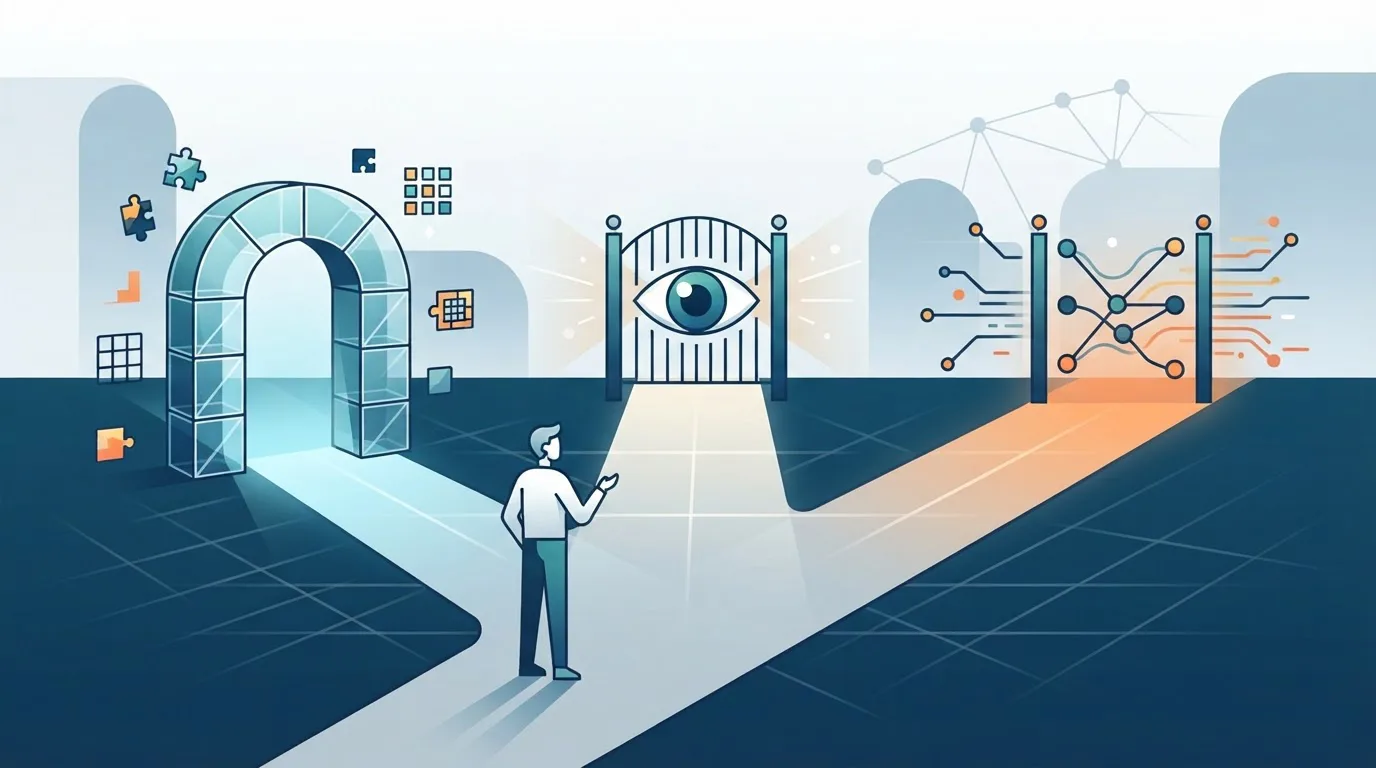
Every day, your infrastructure faces a silent flood of automated traffic. Bots scrape pricing pages, brute-force login endpoints, and stuff comment forms with spam. You need a gatekeeper, but the wrong one doesn't just let bad actors through - it locks out real users, costing you conversions and goodwill. The paradox is brutal: stronger security often means worse user experience, and a frictionless flow often means vulnerability.
This guide cuts through the noise. We'll break down the major CAPTCHA solutions, analyze their trade-offs, and give you a decision framework based on your specific infrastructure needs. You'll leave with a clear roadmap for choosing a gatekeeper that doesn't sacrifice one for the other.
The Real Cost of a Poorly Chosen CAPTCHA
Let's start with the problem. A CAPTCHA sits between a user and their goal. Every second of cognitive load, every ambiguous image grid, every failed audio challenge is a tax on their patience. Studies show that conversion rates can drop by up to 3.2% for every additional 100 milliseconds of load time, and CAPTCHAs often add seconds, not milliseconds.
But the cost isn't just user-facing. On the backend, a poorly configured solution can become a bottleneck. High-traffic sites face latency spikes when challenge requests queue up. And if your solution relies on third-party cookies or heavy JavaScript, you're alienating privacy-conscious users who block such scripts, effectively locking them out.
The core issue is that CAPTCHA selection is an infrastructure decision, not a frontend afterthought. It affects your server load, your data pipeline, your compliance posture, and your edge cases. Choose wrong, and you'll be refactoring your authentication flow within a quarter.
The Landscape: Four Main Gatekeeper Archetypes
Before diving into specific tools, understand the categories. Each has a distinct philosophy about how to separate humans from bots.
1. The Classic Text and Image Challenges
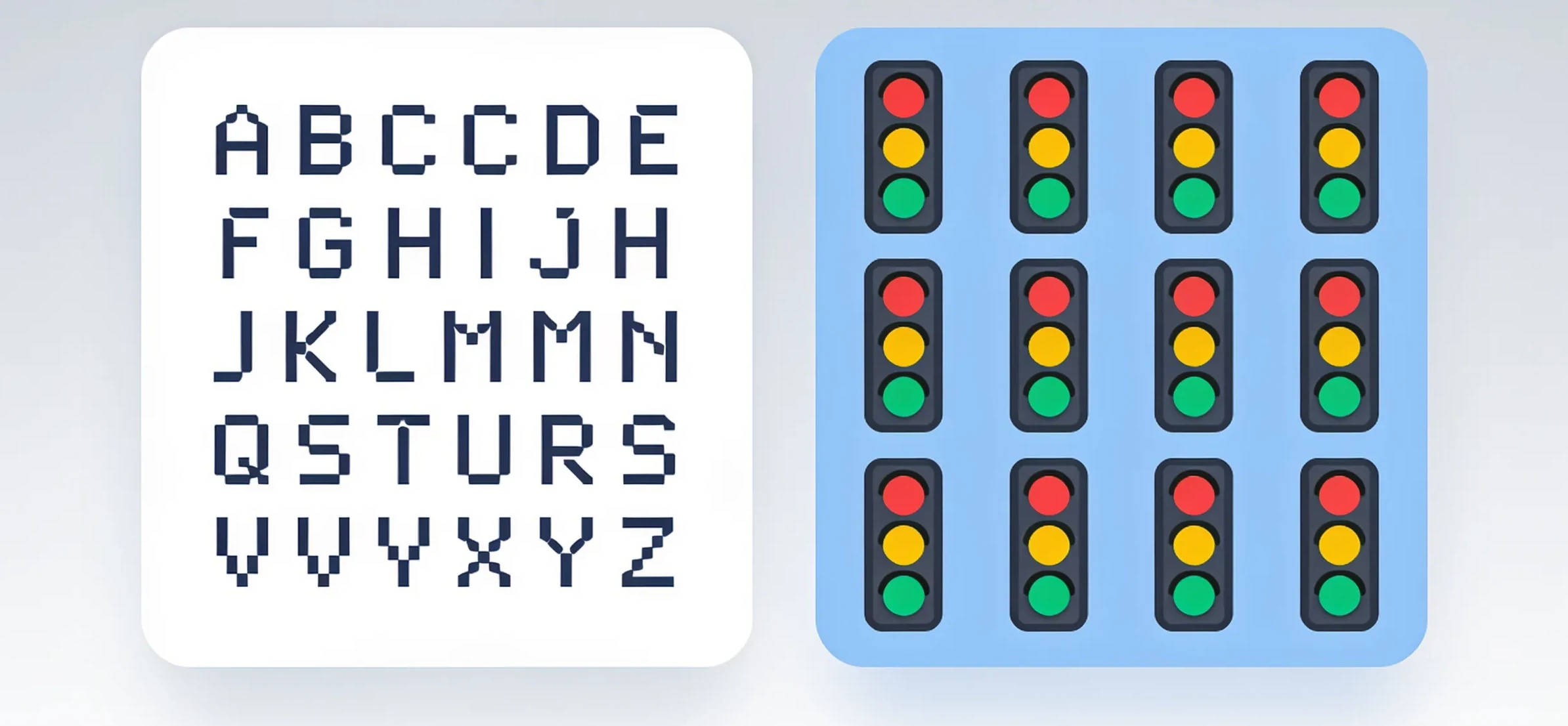
Think distorted letters and "select all traffic lights." These are the oldest and most recognizable. They are cheap to deploy and require no complex integration. However, they are also the most user-hostile. Optical character recognition (OCR) has advanced to the point where these are often trivial for sophisticated bots to solve, while remaining genuinely difficult for humans with visual impairments or on mobile devices.
2. The Invisible and Passive Solutions
These run in the background, analyzing user behavior - mouse movements, keystroke dynamics, browsing history, and even browser fingerprinting. The user sees nothing unless the system flags them as suspicious. The advantage is zero friction for 95% of users. The downside is a heavy reliance on JavaScript, which can fail in headless browsers (a problem for legitimate automation), and a tendency to create false positives for users with unusual setups, like VPNs or virtual machines.
3. The Gamified and Interactive Puzzles
These include sliding puzzles, rotating objects, or dragging a slider to match a target. They are more engaging than text CAPTCHAs and often easier for humans. But they are not foolproof. Modern computer vision models can solve many of these with high accuracy, and they still require active user participation, which adds friction to every single request.
4. The Proof-of-Work (PoW) Challenges
These don't ask for visual interaction. Instead, they require the client's browser to perform a small computational task, like solving a hash puzzle, before the request is accepted. This is excellent for blocking DDoS attacks and high-volume scraping because it makes each request expensive for the bot. The user experience is seamless - the browser does the work in milliseconds. However, it's a poor fit for low-power mobile devices, and it does nothing to stop a human-driven attack (like a click farm).
The Contenders: A Hands-On Comparison
Now, let's look at the specific players you'll likely evaluate. We'll focus on the three most common, plus a rising alternative.
Google reCAPTCHA: The Default Choice, With Caveats
You know the drill. reCAPTCHA v2 shows "I'm not a robot" checkboxes and image grids. reCAPTCHA v3 is invisible, scoring every interaction on a scale of 0.0 to 1.0.
Strengths:
- Massive data pool: Google's vast reach means its risk analysis engine is trained on billions of interactions. It's highly effective at catching known bot patterns.
- Ease of integration: The API is simple, well-documented, and widely supported in every major framework.
Weaknesses:
- User experience decay: The v2 image challenges are notoriously frustrating. v3 is better, but its scoring is opaque. You never know why a user got a low score, and debugging false positives is a nightmare.
- Privacy concerns: It's a Google product. It tracks user behavior across the web. For GDPR-sensitive projects, this is a red flag.
- The "badge" problem: reCAPTCHA requires a visible badge, which clutters the UI and signals to users that they are being watched.
hCaptcha: The Privacy-First Challenger
This is the most popular alternative to Google. It offers a similar checkbox and image-selection model but differentiates itself by not sharing data with Google and by paying website owners for each solved challenge (a business model that funds its infrastructure).
Strengths:
- Privacy compliance: No cross-site tracking for advertising purposes. It's a safer bet for European traffic.
- Accessibility options: It has a built-in audio challenge and supports keyboard navigation better than most.
- Customizable themes: You can match the widget to your brand's look.
Weaknesses:
- Challenge difficulty: The image selection tasks are often harder than reCAPTCHA's, leading to more user drop-offs.
- Performance overhead: The JavaScript payload is heavier, which can impact Core Web Vitals on slower connections.
Cloudflare Turnstile: The Invisible Performance King
Turnstile is Cloudflare's answer to the CAPTCHA problem. It's entirely invisible - there is no checkbox, no image grid. It runs a series of non-interactive challenges in the background, checking for browser signals, trust tokens, and environmental clues.
Strengths:
- Zero user friction: It's the closest thing to a seamless experience. Users don't even know it's there.
- Speed: It's optimized for performance, with a small footprint and a global edge network.
- No cookies: It doesn't rely on tracking cookies, which is a huge plus for privacy.
Weaknesses:
- Vendor lock-in: You're betting on Cloudflare's ecosystem. If you're not using their CDN or proxy, the integration feels less natural.
- Opacity: Like reCAPTCHA v3, it gives you a score, but you have limited insight into what factors led to that score.
The Non-CAPTCHA Approach: Proof-of-Work and Beyond
This is where the infrastructure-focused mindset comes in. Instead of asking users to prove their humanity, you can make the request itself prove it. A PoW challenge, like the one used by some crypto-based systems, requires the client to compute a hash with a certain number of leading zeros.
Here's a simplified pseudocode example of how a server might validate a PoW challenge:
# Server-side challenge generation
import hashlib, secrets

challenge = secrets.token_hex(16)
difficulty = 4  # Number of leading zeros required

# Send 'challenge' and 'difficulty' to the client.
# Client must find a nonce such that:
# hash(challenge + nonce) starts with 'difficulty' zeros.
The client's browser runs a loop to find the nonce, which takes a few milliseconds on a modern CPU. The server then verifies the hash. This adds negligible latency for humans but makes it computationally expensive for a bot to submit thousands of requests per second.
Strengths:
- Ironclad against volume attacks: It's mathematically expensive to scale.
- No user interaction: Perfect for background API calls and form submissions.
Weaknesses:
- Hardware inequality: A bot running on a server farm with high-end GPUs will solve PoW challenges much faster than a user on a budget smartphone.
- JavaScript dependency: The client-side computation still requires JavaScript. If a user has JS disabled, they're blocked.
How to Match the CAPTCHA Type to Your Infrastructure
Here's where we get practical. The right choice depends on what you're protecting and who your users are. The captcha type you select should be a direct response to your threat model, not a default installation.
Let's break it down by use case.
Scenario 1: High-Volume Public API Protection
Your problem: Bots are hammering your API endpoints to scrape data or brute-force auth tokens. Your users: Other developers and automated scripts (legitimate ones). Best fit: Proof-of-Work or Cloudflare Turnstile.
A PoW challenge doesn't care if the client is a browser or a script - it just checks the computational work. This is perfect for API gateways where you can't rely on browser fingerprinting. Turnstile is also a strong option because it can run in a hidden iframe without disrupting the API flow.
Scenario 2: E-commerce Checkout Flow
Your problem: You need to stop carding attacks and fake account creation, but you absolutely cannot afford to lose a customer at the final step. Your users: Non-technical consumers, often on mobile. Best fit: hCaptcha (with the "invisible" mode enabled) or reCAPTCHA v3.
Here, the goal is to score the user's session before they reach the checkout. You only show an interactive challenge if the score is low. This way, 90% of your users never see a challenge, and you reserve the friction for the suspicious 10%.
Scenario 3: Content Management and Comment Sections
Your problem: Spam bots are filling your blog with garbage comments. Your users: Casual readers, some of whom may not have JavaScript enabled. Best fit: Classic reCAPTCHA v2 (checkbox) or hCaptcha (checkbox mode).
For low-stakes interactions, a simple checkbox is often enough. It filters out the dumbest 90% of bots (which are just HTTP POST requests) without requiring a complex scoring system. The user-friendly interface is less critical here because the cost of a false positive (a user leaving a comment) is low.
Scenario 4: Login and Registration Forms
Your problem: Credential stuffing attacks and fake account creation. Your users: Your most valuable asset - registered users. Best fit: Behavioral analysis (like reCAPTCHA v3 or Turnstile) combined with a fallback challenge.
This is the most nuanced case. You want to block automated credential stuffing, but you don't want to annoy a returning customer. The best approach is a two-tier system: run an invisible analysis on every attempt. If the score is borderline, escalate to a simple "click the checkbox" challenge. If the score is terrible, escalate to an image grid.
Here's a conceptual pseudocode for this logic:
// Client-side integration example
const token = await turnstile.getToken();

fetch('/api/login', {
  method: 'POST',
  headers: { 'X-Turnstile-Token': token },
  body: JSON.stringify({ username, password })
});

// Server-side logic
if (turnstileScore < 0.5) {
  // Show an interactive challenge
  return { requireChallenge: true };
} else {
  // Proceed with authentication
  return { success: true };
}
The Integration Checklist
Regardless of which solution you pick, follow these rules to avoid common pitfalls:
- Always have a fallback. If your chosen CAPTCHA script fails to load, what happens? A user with JavaScript disabled is not necessarily a bot. Design a graceful degradation path, like a simple math question or a temporary rate limit.
- Monitor false positives religiously. Track the percentage of users who fail the challenge on their first attempt. If it's above 5%, your challenge is too hard or your scoring is off.
- Test with real automation tools. Use headless browsers like Puppeteer or Playwright to simulate bot traffic. See if your CAPTCHA actually blocks them. If it doesn't, you have a false sense of security.
- Check the latency budget. Your CAPTCHA should add no more than 100-200ms to the critical path. Anything more will hurt your SEO rankings via Core Web Vitals metrics.
The Verdict: There is No Silver Bullet
The CAPTCHA landscape is a trade-off triangle: Security, User Experience, and Privacy. You can only ever pick two.
- Google reCAPTCHA optimizes for Security and UX (with v3), but sacrifices Privacy.
- hCaptcha optimizes for Privacy and Security, but struggles with UX.
- Cloudflare Turnstile optimizes for UX and Privacy, but its Security is an opaque black box.
The PoW approach optimizes for Security and Privacy, but sacrifices UX on low-end devices.
Your job is to decide which corner of that triangle is least important for your specific use case.
Your Next Step
You don't have to build this from scratch. If you're looking for a way to test your current CAPTCHA setup against real-world bot traffic, or if you need a service that can solve challenges programmatically to test your own fallback logic, explore what NonCaptcha offers. It can help you stress-test your infrastructure to ensure your chosen gatekeeper is actually keeping the bad guys out without locking the good ones in.
The decision is yours. But make it based on data, not on what everyone else is using.
Related articles
CAPTCHA Decoded: The Right Gatekeeper for Your Stack

CAPTCHA Matchmaker: Finding Your Perfect Stack Partner