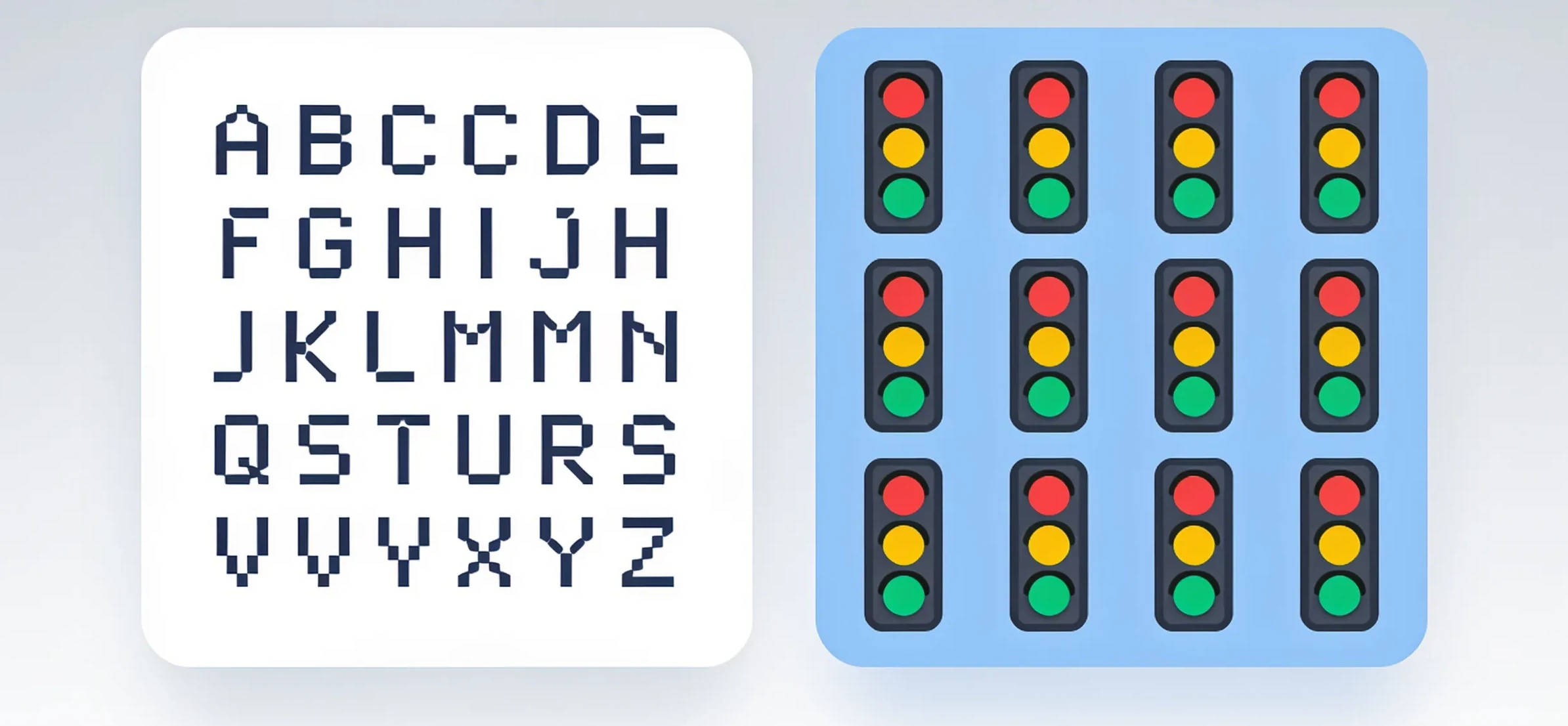
CAPTCHA Matchmaker: Finding Your Perfect Stack Partner

Discover the ideal CAPTCHA solution for your infrastructure with our comprehensive tool comparison, matching your needs to the perfect stack partner.

CAPTCHA Matchmaker: Finding Your Perfect Stack Partner
Every developer knows the moment. You’ve built a sleek form, protected an API endpoint, or gated a high-value action. Then the CAPTCHA fires. The user squints, clicks blurry crosswalks for the third time, and abandons the page. You check your logs: conversion dropped, bounce rate spiked, and support tickets mention “broken verification.” The problem isn’t your code. It’s the mismatch between the CAPTCHA tool and your infrastructure.
Choosing a CAPTCHA provider isn’t a checkbox decision. It’s an architectural choice that affects latency, user experience, bot mitigation accuracy, and even your cloud bill. In this guide, we’ll break down the core criteria for evaluating CAPTCHA solutions, compare the major players across concrete dimensions, and show you how to match a tool to your specific stack-whether you run a high-traffic e-commerce site, a SaaS dashboard, or a scraping-heavy internal tool.
Why CAPTCHA Choice Feels Like a Gamble
The default assumption is that all CAPTCHAs do the same thing: tell humans and bots apart. That’s true in theory. In practice, the differences are stark.
- User friction: A puzzle that takes 5 seconds vs. 30 seconds changes completion rates by double digits.
- Accessibility: Visual-only challenges exclude users with impairments-and may violate legal requirements in some jurisdictions.
- Bot sophistication: Simple image grids stop script kiddies but fail against AI-powered vision models.
- Integration cost: Some providers require heavy SDKs, others offer a single API call.
- Data privacy: Where does the verification data go? GDPR and CCPA implications vary wildly.
Here’s the uncomfortable truth: there is no universal “best” CAPTCHA. There is only the best for your stack. The key is to define your constraints before you evaluate features.
The Evaluation Framework: Five Questions to Ask First
Before you look at pricing pages, answer these five questions. They will filter out 80% of unsuitable options immediately.
1. What’s your traffic profile?
Are you protecting a public signup page with 10,000 daily visits, or an internal admin panel with 50 logins per day? High-volume public endpoints need invisible or low-interaction challenges. Low-volume, high-value endpoints can afford stricter, more annoying verification.
2. What’s your threat model?
Are you fighting credential stuffing, comment spam, or scraper bots? Each threat requires a different approach. Credential stuffing needs device fingerprinting. Comment spam needs behavioral analysis. Scrapers need JavaScript challenges that are hard to solve at scale.
3. What’s your user base?
Technical users (developers, power users) tolerate challenges better than non-technical audiences. If your users are older or less tech-savvy, every extra second of interaction hurts more.
4. What’s your latency budget?
A CAPTCHA that adds 2 seconds to every page load might be fine for a login page, but catastrophic for a search-as-you-type interface. Measure your current p95 latency and decide how much you can afford to add.
5. What’s your compliance posture?
If you process EU user data, you need a provider that doesn’t send raw IP addresses to third-party ad networks. Read the privacy policies carefully-some well-known solutions monetize verification data.
The Contenders: A Side-by-Side Look
Let’s examine the most common options you’ll encounter, grouped by their architectural philosophy.
Traditional Puzzle-Based CAPTCHAs
These are the legacy options: distorted text, image selection, and audio challenges.
Strengths:
- Well-understood by users (familiarity reduces confusion).
- No complex SDK-usually a simple widget embed.
- Cheap to run at scale.
Weaknesses:
- High user friction (studies show 20-30% abandonment rates on first try).
- Vulnerable to advanced OCR and machine learning attacks.
- Poor mobile experience-tiny images on small screens.
Best for: Legacy systems, internal tools where users are captive, and low-security, low-traffic forms.
Invisible and Behavioral CAPTCHAs
These run in the background, analyzing mouse movements, keystroke timing, and browser fingerprints. The user only sees a challenge if the risk score is high.
Strengths:
- Zero friction for 90-95% of legitimate users.
- Adaptive difficulty-bots get harder challenges, humans sail through.
- Better accessibility (no visual puzzle required).
Weaknesses:
- Requires JavaScript injection-breaks on older browsers or with strict CSP policies.
- False positives can lock out users with unusual browsing patterns (e.g., VPN users, old browsers).
- Heavier on the client-side-can add 200-500ms to page load.
Best for: Public-facing forms, high-traffic pages, and any site where user experience is paramount.
Self-Hosted and Open-Source Solutions
Tools like hCaptcha’s enterprise self-hosted mode or open-source alternatives (e.g., Minteye, Securimage) give you full control.
Strengths:
- Data stays on your servers-no third-party calls.
- Customizable difficulty and challenge types.
- No per-request fees.
Weaknesses:
- You maintain the infrastructure-including uptime and attack resistance.
- You must update the algorithm yourself as bot techniques evolve.
- Lacks the shared intelligence network of commercial providers.
Best for: High-compliance industries (finance, healthcare), air-gapped environments, and teams with dedicated security resources.
Cloud-Based Turnkey APIs
Services like NonCaptcha, Cloudflare Turnstile, and AWS WAF CAPTCHA offer a middle ground: fully managed, API-first, with global distribution.
Strengths:
- Minimal integration effort-one API call or a small script tag.
- Built-in ML models that improve with cross-site data.
- Scalable to any traffic spike without capacity planning.
Weaknesses:
- Recurring cost-can add up at high volumes.
- External dependency-if the provider has an outage, your forms break.
- Less control over challenge appearance and behavior.
Best for: Startups, SaaS products, and teams that want to ship fast without reinventing bot detection.
Matching the Tool to Your Infrastructure
Here’s how the choice plays out in real-world scenarios.
Scenario A: High-Traffic E-Commerce Checkout
Your checkout page has a 3% conversion rate. Every 1% increase in friction costs you thousands per month. You need invisible verification that blocks card testing bots.
Recommendation: Cloud-based behavioral CAPTCHA. Specifically, look for one that integrates with your existing frontend framework (React, Vue, etc.) and offers a server-side verification endpoint. The key metric is the false positive rate-the percentage of real users who get challenged. Aim for under 2%.
// Example: Server-side verification with a cloud CAPTCHA API
const response = await fetch('https://api.captcha-provider.com/siteverify', {
  method: 'POST',
  body: JSON.stringify({
    secret: process.env.CAPTCHA_SECRET,
    token: req.body.captchaToken,
    remoteip: req.ip
  })
});
const result = await response.json();
if (result.success && result.score > 0.5) {
  // Process the order
} else {
  // Show a fallback challenge
}
Scenario B: Internal Admin Panel
You have 200 employees who log in daily. The threat is credential stuffing from leaked passwords. You can afford a strict challenge because your users are technical and patient.
Recommendation: Self-hosted or puzzle-based CAPTCHA. Since your user base is small, the friction cost is negligible. The benefit is full data control and no external dependency for a critical system.
Scenario C: Public API Endpoint
You expose an API that returns pricing data. Scraper bots hammer it 24/7. You need to protect the endpoint without breaking legitimate API clients.
Recommendation: This is tricky. Traditional CAPTCHAs don’t work for non-browser clients. You need a provider that offers a proof-of-work or token-based challenge. The API client requests a token, solves a lightweight computational puzzle, and includes the token in subsequent requests. This blocks naive scrapers without requiring human interaction.
Scenario D: Marketing Landing Page with Lead Forms
Your lead form has a 40% spam rate. You don’t care about a few extra seconds of friction-you just want clean leads.
Recommendation: A hybrid approach. Use an invisible CAPTCHA with a fallback to a puzzle challenge when the risk score is ambiguous. This gives you the best of both worlds: zero friction for most, strict verification for suspicious traffic.
The Hidden Cost: Integrating with Your Tech Stack
The CAPTCHA itself is only half the story. The integration layer is where projects fail.
Client-Side Integration
Ask these questions:
- Does the provider offer a native SDK for your frontend framework, or do you need to hack a script tag?
- Does it work with server-side rendering (SSR) and static site generators?
- How does it behave with Content Security Policy (CSP) headers? Some providers require unsafe-inline or unsafe-eval, which weakens your security posture.
Server-Side Verification
A CAPTCHA that isn’t verified server-side is useless-bots can just skip the client-side check. Ensure the provider has:
- A simple REST API for token verification.
- A way to verify tokens in your backend language (Node, Python, Go, etc.).
- Rate limiting and retry logic built into the verification call.
Observability
You need to know if your CAPTCHA is working. Look for:
- Webhook notifications for high-risk events.
- A dashboard showing challenge pass/fail rates over time.
- Logs that let you correlate CAPTCHA failures with other metrics (e.g., conversion rate, bounce rate).
When You See “Please Try Again Captcha” - What It Actually Means
Every CAPTCHA provider has a failure mode where the user sees an error message. The most common one is a generic retry prompt: please try again captcha. This happens for three reasons:
- Token expiration - The client-side token is only valid for a short window (usually 60-120 seconds). If the user takes too long to submit the form, the token expires and the server rejects it.
- Score threshold mismatch - Your server-side verification sets a score threshold, but the client-side widget didn’t send enough behavioral data. This often happens on fast interactions (autofill, password managers).
- Network issues - The client couldn’t reach the CAPTCHA provider’s servers, so the token was never generated. The widget silently fails, and the form submits without a token.
When you see this error in your logs, the fix isn’t to tweak the CAPTCHA-it’s to fix the user flow. Extend the token validity window, add a retry button that regenerates the token, and ensure your frontend handles the case where the CAPTCHA script fails to load.
// Handle CAPTCHA script load failure gracefully
window.addEventListener('load', () => {
  if (typeof window.captchaInstance === 'undefined') {
    // Fall back to a simple honeypot field
    document.getElementById('website').style.display = 'block';
  }
});
The Practical Playbook: How to Choose in 48 Hours
Don’t overthink this. Here’s a concrete process you can execute in two days.
Day 1: Define Constraints and Shortlist
- Write down your traffic volume, threat model, latency budget, and compliance requirements.
- Shortlist 3-4 providers that meet your non-negotiables (e.g., GDPR compliance, native React SDK).
- Exclude any provider that requires you to change your CSP headers or add third-party scripts to your critical path.
Day 2: Run a Controlled Test
- Create a test page with your real form (or a representative subset).
- Integrate each candidate using their official SDK.
- Measure:
- Time to load (client-side impact).
- Time to verify (server-side round-trip).
- Pass rate for legitimate users (have 5 coworkers test it).
- Bot block rate (use a simple headless browser like Puppeteer to attempt submissions).
- Pick the one with the best ratio of pass rate to bot block rate.
The Verdict: It’s About Fit, Not Features
The best CAPTCHA is the one that disappears into your stack. If your users never notice it, and your logs show minimal bot traffic, you’ve made the right choice. Don’t be swayed by marketing claims about “AI-powered detection” or “99.9% accuracy.” Those numbers mean nothing without the context of your specific traffic patterns.
For most teams, we recommend starting with a cloud-based behavioral solution because it offers the fastest integration and the lowest ongoing maintenance. As your traffic grows and your threat model evolves, you can revisit the decision-but by then, you’ll have real data on what your users tolerate and what your bots attempt.
Ready to Test Your Stack?
If you’re tired of chasing CAPTCHA errors and want a solution that adapts to your infrastructure, give NonCaptcha a try. It’s designed to be dropped into any stack with minimal friction, and you can see the pass rates in your dashboard within minutes. Run your own comparison-it’ll take less time than reading this article.
Related articles

CAPTCHA Crossroads: Choosing Your Ideal Gatekeeper
CAPTCHA Decoded: The Right Gatekeeper for Your Stack