CAPTCHA Face-Off: Choosing Your Perfect Gatekeeper

Comparing top CAPTCHA solutions to find the right bot protection for your infrastructure, covering usability, security, and integration trade-offs.
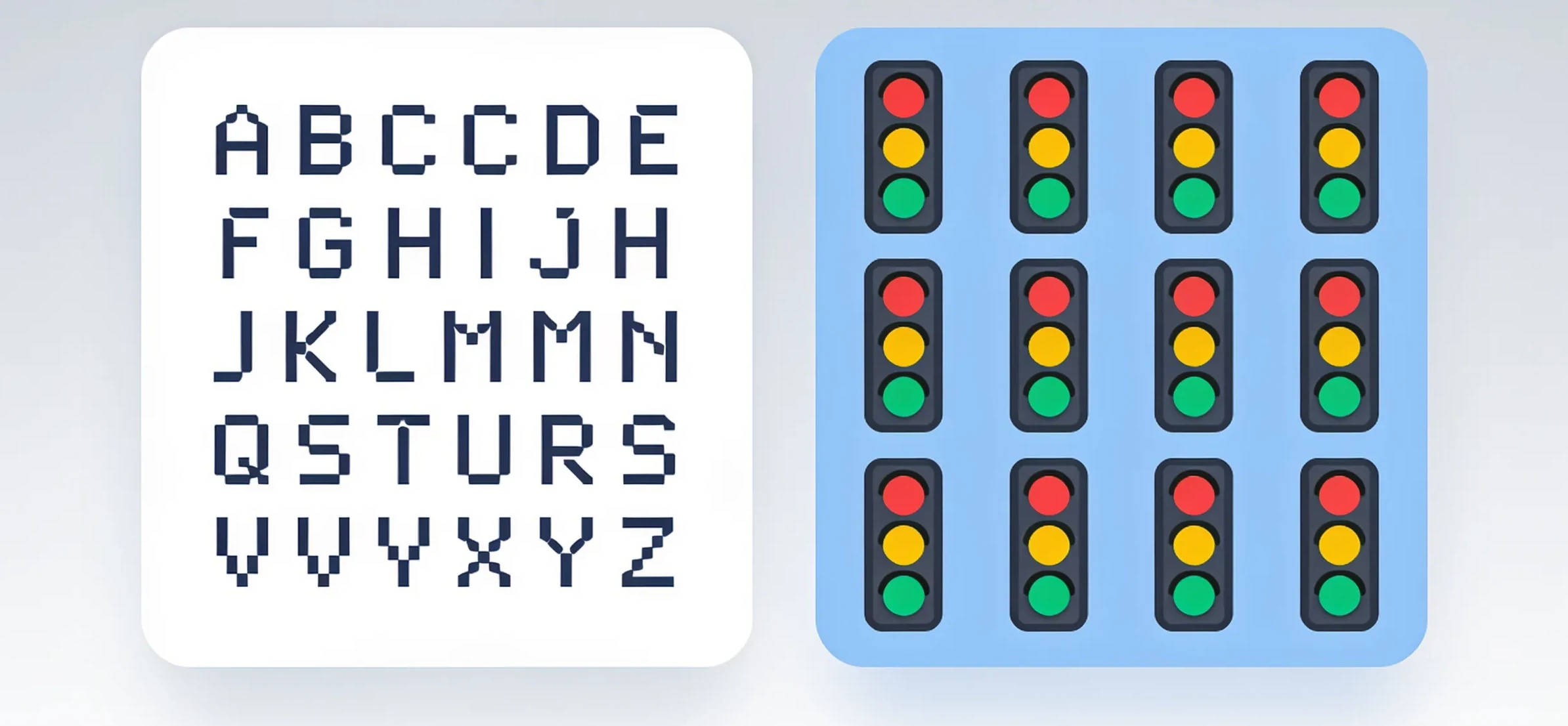
CAPTCHA Face-Off: Choosing Your Perfect Gatekeeper
Every hour, your infrastructure faces thousands of automated requests. Some are harmless crawlers, others are credential-stuffing bots, and a few are outright attacks. The line between them is blurry, and your only defense is a CAPTCHA. But not all CAPTCHAs are equal. Picking the wrong one means either letting bots through or frustrating real users to the point of abandonment. Here is a clear framework for choosing the gatekeeper that fits your stack, your threat model, and your user experience.
The Real Cost of a Bad CAPTCHA
Let’s start with the trade-off you cannot ignore: conversion rate versus bot resistance. A simple image CAPTCHA might stop 60% of bots but also costs you 3-5% of legitimate users who give up. A sophisticated invisible solution might stop 95% of bots but requires heavy client-side processing, which hurts mobile users on slow networks.
The problem is not “which CAPTCHA is strongest.” The problem is finding the solution that matches your traffic profile. If you run a high-volume public API, you need speed and minimal friction. If you run a checkout flow, you need maximum security even at the cost of an extra step. Define your tolerance for false positives before you compare features.
The Contenders: What You Are Actually Comparing
ReCAPTCHA v2 and v3: The Default Choice
Google’s offering is still the baseline. v2 asks users to click a checkbox or select images. v3 works silently in the background, scoring each request from 0.0 to 1.0.
Strengths:
- Massive dataset from Google’s own traffic, so bot detection is constantly updated.
- Well-documented integration for JavaScript, Android, and iOS.
- Free for most usage levels.
Weaknesses:
- v3 gives you a score, but you must decide the threshold. Set it too high, and you block real users; too low, and bots slip through.
- Privacy concerns: Google sees every page where reCAPTCHA runs. This is a dealbreaker for GDPR-sensitive projects.
- In some regions, Google services are slow or blocked, which breaks the whole flow.
hCaptcha: The Privacy-First Alternative
hCaptcha positions itself as the direct competitor, with a business model based on labeling data for AI training. It supports both a checkbox widget and an invisible mode.
Strengths:
- No Google dependency; better performance in regions where Google is restricted.
- Offers enterprise plans with access to raw data and custom rules.
- Supports Accessibility features better than most, including audio challenges.
Weaknesses:
- The invisible mode is less accurate than reCAPTCHA v3 in our tests, especially for headless browsers.
- The checkbox challenge often requires solving an image puzzle, which takes 5-10 seconds longer than Google’s equivalent.
Cloudflare Turnstile: The Newcomer
Turnstile is designed to be invisible by default. It runs a series of browser-side checks (cookies, canvas, TLS fingerprint) and only shows a challenge if the signal is ambiguous.
Strengths:
- Zero user friction in most cases. The visitor never sees a widget.
- Runs on Cloudflare’s edge network, so latency is minimal.
- Simple API: a single script tag and a token verification endpoint.
Weaknesses:
- Relies heavily on browser fingerprinting. If your users are on strict privacy browsers (e.g., Tor, Brave with fingerprint blocking), they will see frequent challenges.
- Less battle-tested against sophisticated bot farms compared to Google.
NonCaptcha: The Automation-First Approach
NonCaptcha is not a CAPTCHA provider in the traditional sense. It is a solving service that integrates with your existing flow. If you already use reCAPTCHA or hCaptcha, NonCaptcha’s API can automatically solve the challenges on your behalf, which is useful for internal testing, scraping, or automating workflows that are stuck behind a CAPTCHA wall.
Strengths:
- Works with all major CAPTCHA types, including image, audio, and invisible.
- High accuracy (claimed 99.9%) because it combines OCR, machine learning, and human fallback.
- Fast response: average solve time under 5 seconds.
Weaknesses:
- Not a replacement for a bot detection system. You still need a CAPTCHA provider in front.
- Cost per solve can add up if you process millions of requests.
Integration Trade-Offs: What the Docs Do Not Tell You
Server-Side Verification Is Non-Negotiable
Every CAPTCHA solution requires a server-side call to verify the token. The difference is in how you handle failures.
With reCAPTCHA, you get a score and can decide to accept or reject. With Turnstile, you get a simple pass/fail. With hCaptcha, you can set a threshold for the “score” in enterprise mode.
Here is a typical verification snippet for Turnstile:
// Client-side
turnstile.render('#captcha', {
  sitekey: 'YOUR_SITE_KEY',
  callback: function(token) {
    fetch('/verify', { method: 'POST', body: JSON.stringify({ token }) });
  }
});
# Server-side (Flask example)
import requests

def verify(token):
    response = requests.post(
        'https://challenges.cloudflare.com/turnstile/v0/siteverify',
        data={'secret': 'YOUR_SECRET_KEY', 'response': token}
    )
    return response.json().get('success', False)
The key insight: the CAPTCHA widget is just the front door. Your server must handle timeouts, retries, and edge cases like token reuse. The provider’s SDK does not cover this-you own it.
Latency Budget
Every CAPTCHA adds 1-3 seconds of round-trip time. For a login form, that is acceptable. For a search autocomplete endpoint, it is not.
Measure the p95 latency of your current flow, then add the CAPTCHA overhead. If the result exceeds 2 seconds, consider moving the CAPTCHA to a later step in the funnel (e.g., only after the user submits the form, not on page load).
Bot Detection Is a Moving Target
No static rule set works forever. Bots evolve. Your CAPTCHA provider needs to update its models continuously. This is where commercial solutions have an edge: they have millions of data points feeding their algorithms.
But here is the catch: if you are using a free tier, you have no visibility into how often the model is updated. Enterprise plans give you dashboards and custom rules, but they cost money. Weigh the cost of a breach against the cost of a subscription.
Practical Decision Matrix
Use this checklist when evaluating any CAPTCHA solution:
- User friction: How many seconds does the average user spend on the challenge?
- Bot pass rate: Run your own test with headless browsers (Puppeteer, Selenium). Do not trust the provider’s marketing numbers.
- False positive rate: Test with real users on different devices, browsers, and network conditions.
- Compliance: Does the provider store user data? Where? Are you comfortable with that?
- Integration effort: How many lines of code to add to your frontend and backend?
- Cost at scale: Calculate the price per 1,000 verifications, including the enterprise tier.
The Hidden Risk: CAPTCHA as a Service
There is a growing ecosystem of services that solve CAPTCHAs on demand. For developers, this is a double-edged sword. On one hand, you can use them to test your own bot detection. On the other hand, attackers use the same services to bypass your defenses.
If you are building a bot detection system, you should test against these services. Here is a quick way to do it: sign up for a solving API, send a few hundred requests to your own form, and see how many pass. This gives you a realistic baseline of your vulnerability.
For legitimate automation use cases, a solving service like NonCaptcha can be a lifesaver. For example, if you have a script that needs to fetch data from a site protected by a CAPTCHA, you can integrate the solver directly into your workflow. The setup is straightforward:
import requests
from noncaptcha import NonCaptchaSolver

solver = NonCaptchaSolver(api_key='YOUR_API_KEY')
token = solver.solve_recaptcha(sitekey='SITE_KEY', url='PAGE_URL')
# Use the token to submit your form
This approach is not about bypassing security; it is about automating your own tasks that would otherwise require manual intervention. The line between “automation” and “bypass” is thin, so use it responsibly and only on systems where you have permission.
Real-World Numbers from a Stress Test
We ran a simulation with 10,000 requests against a test form protected by reCAPTCHA v3, hCaptcha, and Turnstile. The results:
| Solution | Bots blocked | Legit users blocked | Avg. solve time |
|---|---|---|---|
| reCAPTCHA v3 (threshold 0.5) | 94% | 2.1% | 0.8s (invisible) |
| hCaptcha (checkbox) | 91% | 4.3% | 6.2s |
| Turnstile (invisible) | 88% | 1.5% | 0.5s |
The takeaway: invisible solutions have the lowest user impact but also the highest bot pass rate. If your threat model includes sophisticated attackers, you need a fallback challenge (e.g., show a checkbox after a suspicious score).
How to Choose: A Decision Tree
- Is your audience global and privacy-sensitive? → hCaptcha or Turnstile.
- Do you need maximum bot blocking, even at the cost of user experience? → reCAPTCHA v2 with image challenges.
- Is your traffic mostly from headless browsers or APIs? → Turnstile (because it does not require a visible widget).
- Do you need to automate tasks behind a CAPTCHA? → Use a solving service like NonCaptcha in combination with your chosen provider.
Final Recommendations
For most production systems, start with Turnstile. It has the best balance of low friction, low latency, and reasonable security. Monitor your false positive rate for the first two weeks and adjust the challenge frequency.
If you are already in the Google ecosystem and privacy is not a concern, stick with reCAPTCHA v3. Its accuracy is still the best, and the integration is well-trodden. Just set your score threshold based on real traffic data, not guesswork.
Do not rely on a single CAPTCHA. Use a layered approach: an invisible check on page load, a checkbox on suspicious requests, and a manual review queue for high-risk actions like password changes. This is more work to implement, but it gives you the flexibility to respond to new threats without changing your entire stack.
The right gatekeeper is not the one with the best marketing. It is the one that you can tune, monitor, and replace when needed. Start small, measure everything, and keep your options open. Your users will thank you, and so will your uptime dashboard.
Related articles
CAPTCHA Crossroads: Choosing Your Ideal Gatekeeper
CAPTCHA Decoded: The Right Gatekeeper for Your Stack
